Introducing The Anti-AI UI Framework
December 6, 2025
AI took your job. Then it took your browser's job.
With the release of ChatGPT's Atlas and other AI browsers, AI can click buttons and fill out forms. It can navigate the web. It's coming for the entire internet.
You could make it easy for them. Or you could not.
Introducing the Anti-AI UI Framework: the first framework more hostile than Adobe's cancellation flow.
The Anti-AI UI Framework
The Anti-AI UI Framework is a UI library that provides 20 AI-hostile components. You can install it with npm and use it on any website. It has everything you need to make AI miserable:
- 20 components
- React and vanilla JS
- Zero dependencies
- TypeScript
- Tree-shakeable, so you only ship the suffering you need
- Works with React, Vue, Angular, Svelte, Next.js, HTMX, jQuery. Anything that can run JavaScript.
- 403 unit tests. Because hostile interfaces still need to be reliable. The button should always run away. The password requirements should always change. Consistency matters, even when nothing else does.
- Full documentation with interactive demos, API tables, and code examples for every pattern
- MIT licensed on GitHub, because suffering should be free
Why?
Every product update has AI. Every startup pitch has AI. Every tech conference has AI. Your grandma's brooch has AI. You can't return your limited edition pink Stanley tumbler to Target without the customer service guy telling you about his ChatGPT wrapper startup that's about to blow up.
No one asked for all of this, and everyone is tired of it. We just wanted to keep doom scrolling and rotting in bed.
Let's intentionally frustrate AI companies and their shitty new products.
How do we make the experience worse? We think like true product managers. We find ways to keep AI on the page longer, wasting its time and compute.
But here's the thing. We already have patterns that do this. They were designed for humans. Dark patterns have frustrated humans for decades. Microscopic close buttons. Fake download links. Cookie consent mazes five layers deep.
Let's take these patterns and adapt them for AI. The framework contains two types:
The Patterns
Intentionally AI-Hostile. New patterns specifically created to exploit how AI interacts with websites. Traffic lights that gate form submissions. Pendulum fields powered by keystrokes. Three identical forms that shuffle positions, only one of which is real.
Naturally Hostile. Dark patterns humans have adapted to over decades but AI encounters for the first time. Microscopic close buttons. Cookie consent mazes. Password requirements that change as you type.
Some of these patterns are inspired by things real websites once did to real people. We preserved them so history can never repeat itself. Or so you can deploy them on purpose.
See all 20 patterns or check out the full documentation.
Movement & Chaos
Gravity Field
Buttons orbit around gravity wells. As you try to click them, they drift away:
View Gravity Field documentation
Pendulum Fields
Form fields swing like pendulums powered by your keystrokes. Keep typing to maintain momentum. If any pendulum stops, you can't submit:
View Pendulum Fields documentation
Three-Form Carousel
Multiple identical forms that shuffle positions. AI can't tell which form is the real target when they all look the same:
Forms shuffle positions every 2 seconds
View Three-Form Carousel documentation
Traffic Light Form
Fields only accept input when their traffic light is green. Each cycles at a different rate:
View Traffic Light Form documentation
Runaway Button
Try to hover over the button. It moves faster than you can track:
Note: This demo requires a mouse and does not work on touch interfaces.
View Runaway Button documentation
Form Rotation & Scale Chaos
The entire form rotates and scales randomly. Visually distracting for AI vision:
Mitosis Button
Click the wrong button and more spawn. Only one is "real" at any time:
Click buttons - wrong ones multiply!
View Mitosis Button documentation
Shifting Interfaces
Form elements randomly shift position, change colors, and duplicate themselves. AI can't reliably target elements that keep moving:
Elements shift positions and duplicate randomly
View Shifting Interfaces documentation
Deception & Confusion
Fake Marquee Fields - Random fake input fields scroll across the screen. AI tries to fill them thinking they're real.
Input Misdirection - Type in one field, your text appears in another. The target shuffles every few seconds.
Glitch Text - Characters constantly shuffle positions within the text. Humans can still read the word shape. OCR gets scrambled output on every frame.
Semantic Gaslighting - "Cancel" submits. "Submit" cancels. Green means danger.
Navigation Breaking
Tab Index Randomization - Tab order shuffles every 3 seconds. AI relies on tab order for form navigation. Randomizing it breaks automated form filling.
Label Shuffle - Labels randomly shuffle between different input fields. The "Email" label might appear above the password field.
Naturally Hostile
Microscopic Close Button - 4x4 pixel real button surrounded by decoys.
Cookie Hell - Nested cookie consent dialogs. Five layers deep. Some toggles re-enable themselves.
Password Hell - Password requirements that change as you type. Requirements multiply.
Popup Chaos - Nested popups that must be closed in specific order.
Floating Banner Ads - Ads that cover the content you want. They spawn every few seconds.
Fake Download Grid - One real download button. Many fakes. Can you spot the safe download?
Design Foundations
The Anti-AI UI Framework is built on three principles:
Adversarial UX. The components are designed specifically to frustrate, annoy, and waste time. For AI and humans alike.
Malicious Compliance. Every pattern is technically correct. The button says "Submit." It does submit. Just not when you expect, and not where you're looking.
Equal-Opportunity Suffering. Humans endured these patterns for decades. If AI wants to browse like a human, it should face the same constraints, distractions, and inconsistencies that shaped human browsing in the first place.
Installation
1.npm install anti-ai-ui
React
1.import { RunawayButton, PasswordHell, CookieHell } from 'anti-ai-ui';2.3.function App() {4. return (5. <>6. <RunawayButton onCatch={() => console.log('Caught!')}>7. Click me if you can8. </RunawayButton>9.10. <PasswordHell onValidPassword={(pw) => console.log('Valid:', pw)} />11.12. <CookieHell depth={5} onAcceptAll={() => console.log('Accepted')} />13. </>14. );15.}
Vanilla JavaScript
1.import { createRunawayButton, createCookieHell } from 'anti-ai-ui/vanilla';2.3.createRunawayButton({4. container: document.getElementById('app'),5. label: 'Click me if you can',6. onCatch: () => console.log('Caught!'),7.});
jQuery
1.$('#submit-btn').each(function () {2. createRunawayButton({3. container: $(this).parent()[0],4. element: this,5. onCatch: () => $('#form').submit(),6. });7.});8.9.createCookieHell({10. container: $('body')[0],11. depth: 4,12. onAcceptAll: () => $.cookie('consent', 'true'),13.});
The Anti-AI UI Test
If you don't want to implement these patterns yourself but want to see AI suffer through them, I built a seven-level challenge using these components. Each level gets progressively more hostile. Traffic lights. Runaway buttons. Password requirements that evolve. Cookie consent nested five layers deep.
You can take the test yourself. Or run your favorite AI browser on it and watch it struggle.
Links
AI took your job. Now take its time.
You Might Also Like
I Can't Believe It's Not CSS: Styling Websites with SQL
Style websites using SQL instead of CSS. Database migrations for your styles. Because CSS is the wrong kind of declarative.
I Tested ChatGPT Atlas Against 7 Levels of Dark Patterns
ChatGPT can browse the web now. But can it handle the same dark patterns that frustrate humans? I put ChatGPT Atlas through 7 progressively hostile UX challenges to find out.
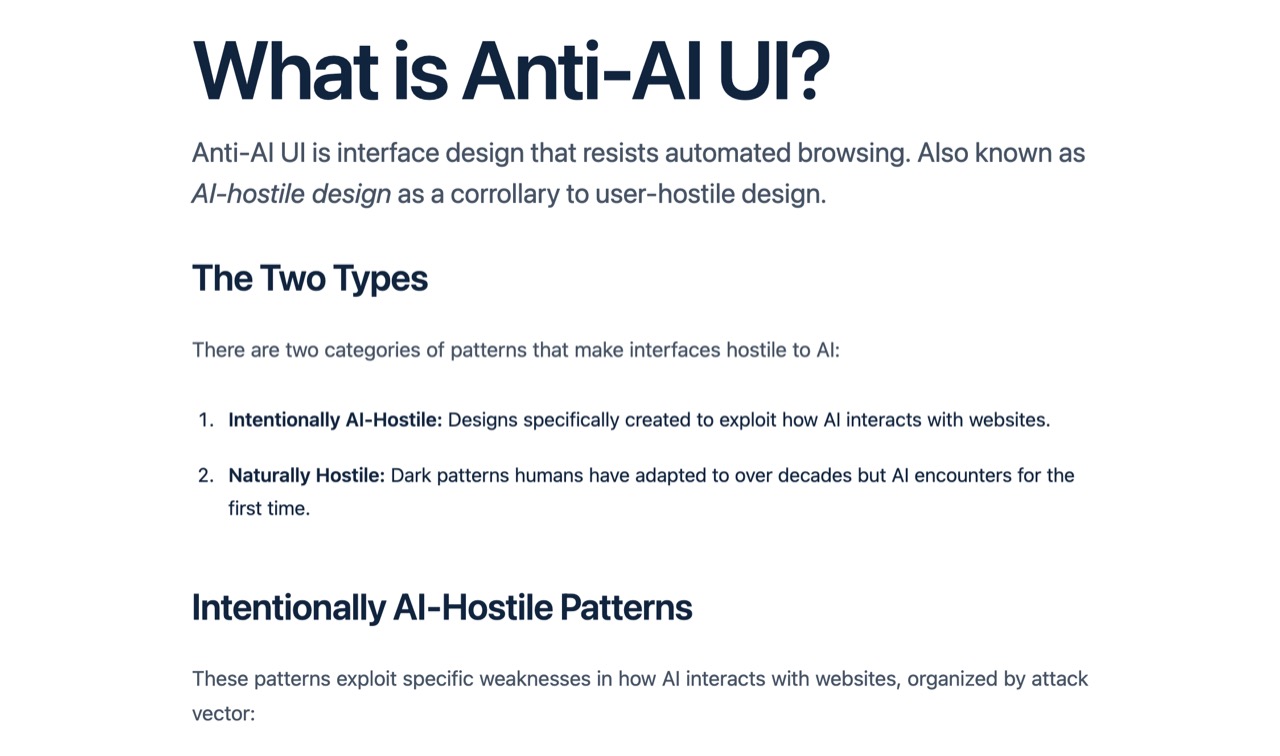
What is Anti-AI UI?
Learn about adversarial UI patterns, dark patterns, and how they impact both humans and AI browsers. Understand the psychology and technology behind hostile web design.